







Short answer: For a Sarasota company moving off WordPress, the partner's migration process matters more than their zip code. Webflow specialists are harder to find locally than WordPress freelancers, so many Sarasota teams end up working with a partner in another city. That works well when the partner can show you exactly how they'll protect your rankings, reconnect your integrations and run launch day on your schedule.
Why Sarasota businesses are rethinking WordPress
A lot of Sarasota business sites were built on WordPress by a local freelancer several years ago. The site did its job. Then the freelancer moved on, the theme stopped getting updates, and every plugin update started to feel risky. Small changes now take a ticket, a quote and a week.
Webflow appeals to these teams because the people who run marketing can edit and publish pages themselves, the platform handles hosting and security, and there's no plugin stack to maintain. For a marketing team that wants to ship pages without waiting on a developer, that's the whole point. The platform choice is usually the easy part. The migration is where sites lose traffic.
What changes when you migrate
Moving from WordPress to Webflow means rebuilding the site on a new system while keeping everything search engines and customers already rely on. These are the pieces that need a plan:
- URLs and redirects. Any page whose address changes needs a 301 redirect to its new home. Skip it and that page's search history is gone.
- Blog and resource content. Years of WordPress posts, categories and custom fields have to be mapped into Webflow CMS collections, with formatting cleaned up along the way.
- Booking, forms and CRM connections. Whatever captures leads or reservations today has to work on day one of the new site.
- SEO settings. Titles, meta descriptions, social images and structured data need to be carried over page by page.
- Internal links. Links between your own pages need to point at the new URLs.
Each item is manageable. Together they make a checklist that has to be done in order, by someone who has done it before.
Working with a partner outside Sarasota
We're based in Denver, and our founder started his first design studio in Sarasota in 1996, so we know the market and we know what working at a distance takes. Here's what to look for in any remote migration partner.
A real discovery process
Before anything gets designed, your partner should understand how your team uses the site: who updates it, which pages bring in business, and what the site connects to. On a video call, that means screen-sharing your WordPress dashboard and walking through a normal week of edits. A partner who skips this step builds a CMS around assumptions.
A launch plan that fits your hours
Denver is two hours behind Sarasota. A good remote partner plans cutover for your morning, not theirs, so your team is around to test forms and check key pages while the new site goes live. Ask who will be online during launch and how fast they respond if something breaks.
Monitoring after launch
Search rankings usually shift for a few weeks after any migration. Your partner should be watching Search Console, fixing any 404s and patching missed redirects during that window, without you having to ask.
When a local partner is worth the search
If your site is complex, with custom booking logic, member areas or several systems talking to each other, there's real value in someone who can sit in your office for a day. If a local Webflow specialist with migration experience is available, that's a good option. If not, a remote partner with a documented process is a better choice than a local generalist learning Webflow on your project.
How we run a migration
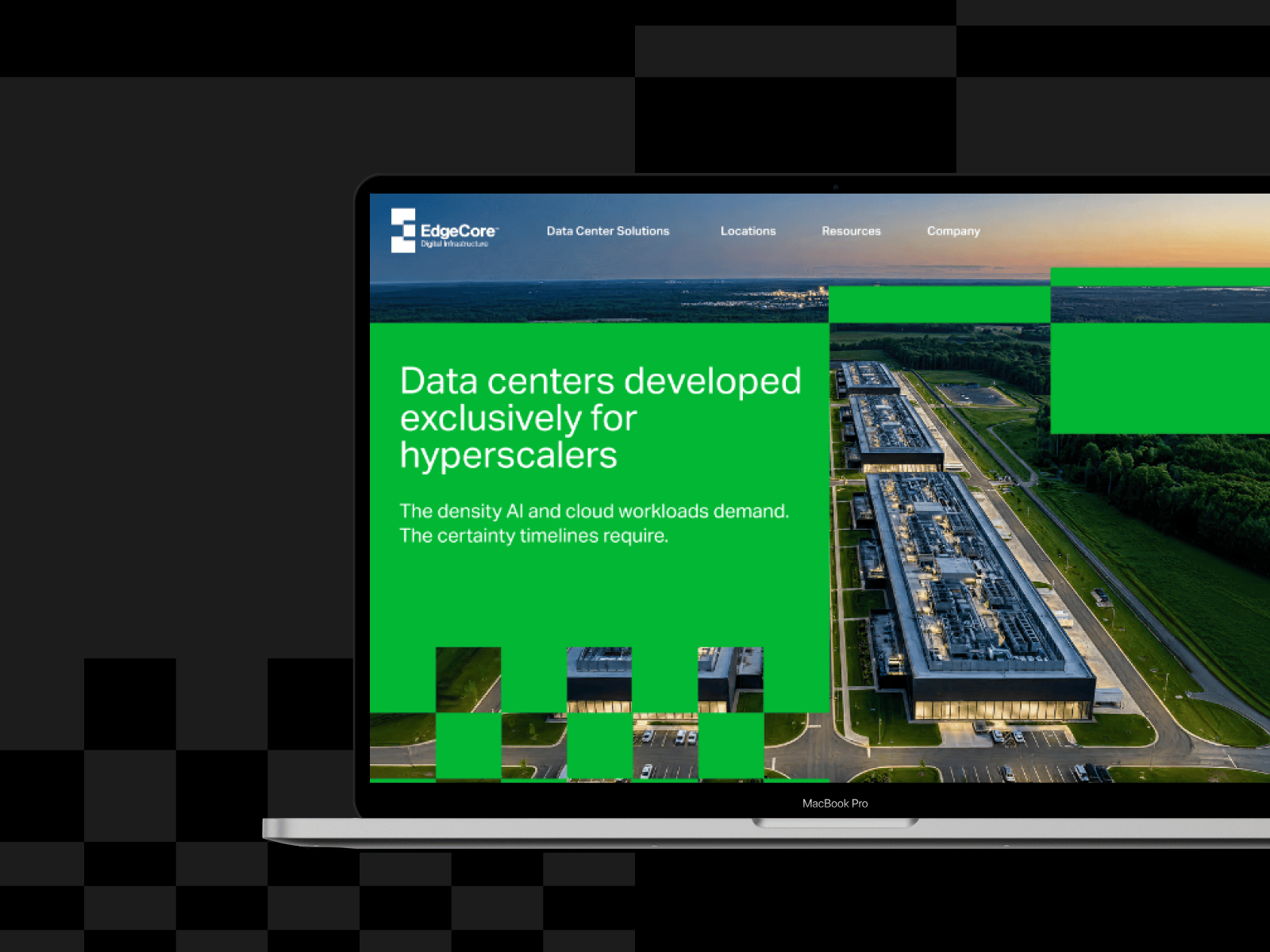
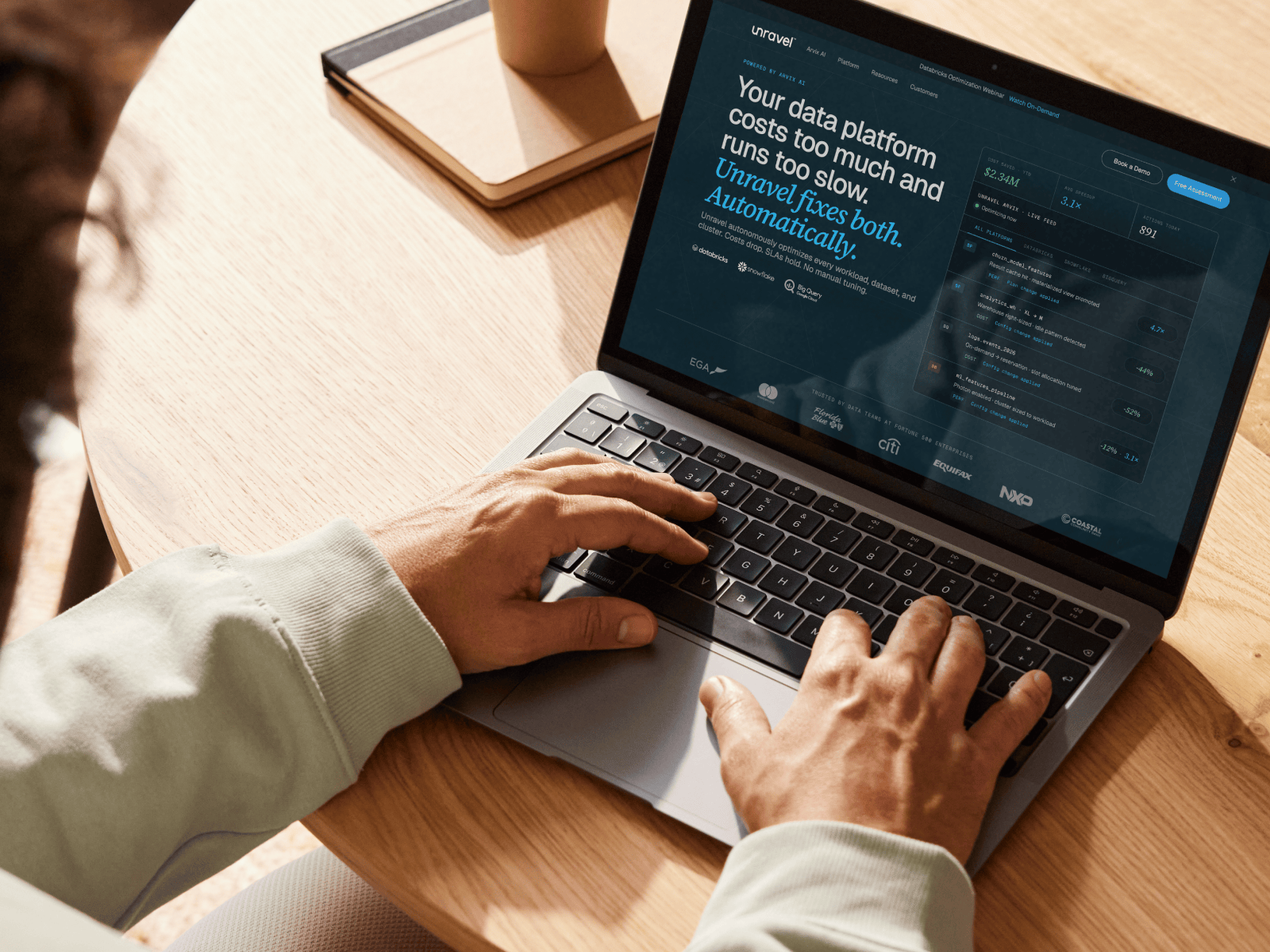
When we moved Unravel Data to Webflow, the migration took six weeks. We used the same approach for EdgeCore. Every project starts with a crawl of the existing site and a redirect map for every URL, and the CMS is built around how the client's team actually publishes. Design comes after the plumbing is planned, because a new look doesn't help if search traffic disappears.
Questions to ask before you sign
- How many WordPress to Webflow migrations have you done, and can we talk to one of those clients?
- Will you crawl our current site and share the full redirect map before launch?
- How will our existing blog posts and their categories move into the Webflow CMS?
- What time will cutover happen in our time zone, and who is online for it?
- How long do you monitor search performance after launch?
- What will our team be able to change on our own afterward?
The cost of a careless move
For a local business, search traffic often means booked appointments and phone calls. A migration that loses a big share of it can take months to recover, and the drop usually shows up in revenue before anyone traces it back to the website. Choosing a partner on process instead of price is how you avoid paying for the move twice.
Our Webflow migration services page explains how we handle each step, or you can start a project with us.

