








Short answer: A Denver marketing team can move off WordPress with any capable Webflow partner, but a local one lowers the risk at the two moments that matter most. The first is discovery, when someone needs to see how your team actually uses the site. The second is cutover, when the old site goes dark and the new one has to hold on to the rankings you spent years earning. A remote team can handle the build. The migration is where being close helps.
Why Denver teams are leaving WordPress
Most of the marketing leaders we talk to in Denver aren't unhappy with WordPress as software. They're unhappy with what it takes to run it. Every new landing page waits on a developer. Every plugin update is a small gamble. The person who built the theme left two years ago, and nobody wants to touch it. The site still works. It just doesn't move at the speed the marketing team does.
Webflow fixes that for a lot of teams. Marketers build and edit pages themselves inside a design system, hosting and security are handled by the platform, and there's no plugin stack to babysit. That's why we focus our work on Webflow. But picking the platform is the easy part of the decision. The migration is where companies lose traffic.
What a WordPress to Webflow migration puts at risk
A migration touches everything Google and your buyers already know about your site. The risks are specific, and most of them are avoidable.
- Rankings. Every URL that changes without a 301 redirect throws away the authority that page earned. On a site with a few hundred blog posts, missed redirects are the most common reason traffic drops after launch.
- Content structure. WordPress posts often carry years of shortcodes, page-builder markup and custom fields. Moving them into Webflow CMS collections cleanly takes field mapping, not copy and paste.
- Forms and integrations. HubSpot, Salesforce, Marketo, chat, analytics and consent tools all need to be reconnected and tested before cutover, not after a sales rep notices leads stopped coming in.
- Metadata and schema. SEO titles, meta descriptions, Open Graph images and structured data don't move on their own.
- Internal links. Links inside your existing content keep pointing at old URLs until someone updates them.
None of this is exotic. It's a long checklist that has to happen in the right order, and it's where the difference between migration partners shows up.
Where a local partner earns its keep
Most of a migration can be done from anywhere. A few parts go noticeably better when your partner is in the same city.
Discovery with the people who use the site
The written requirements for a website rarely match how a team actually works. Who publishes blog posts, who approves landing pages, which form fields sales depends on, which old pages still bring in leads. A working session at your office, with the marketing manager and whoever runs the CRM in the same room, surfaces things a questionnaire won't. That conversation shapes how the Webflow CMS gets structured, and the CMS structure decides how easy the site is to run for the next five years.
Cutover on Mountain Time
Launch day is a short window of DNS changes, redirect checks and form tests. When your partner is on Mountain Time, cutover happens during your working day, with your team available to test, instead of overnight from someone else's morning. If something breaks, the fix starts within the hour.
Accountability after launch
Rankings usually wobble for a few weeks after any migration. What matters is who watches Search Console, catches the 404s and patches the redirects that were missed. A Denver partner who will run into your CMO at the next tech meetup has every reason to stay on it.
When a remote team is fine
We'd be overselling if we said local always wins. A remote partner can be the right call when the site is small, the content is simple, your team already has a clean inventory of URLs and integrations, and someone in-house owns the launch checklist. Plenty of strong Webflow studios work entirely remote, and the platform doesn't care where the builder sits.
Wherever the partner is based, ask to see their migration process before you sign.
What a migration looks like with us
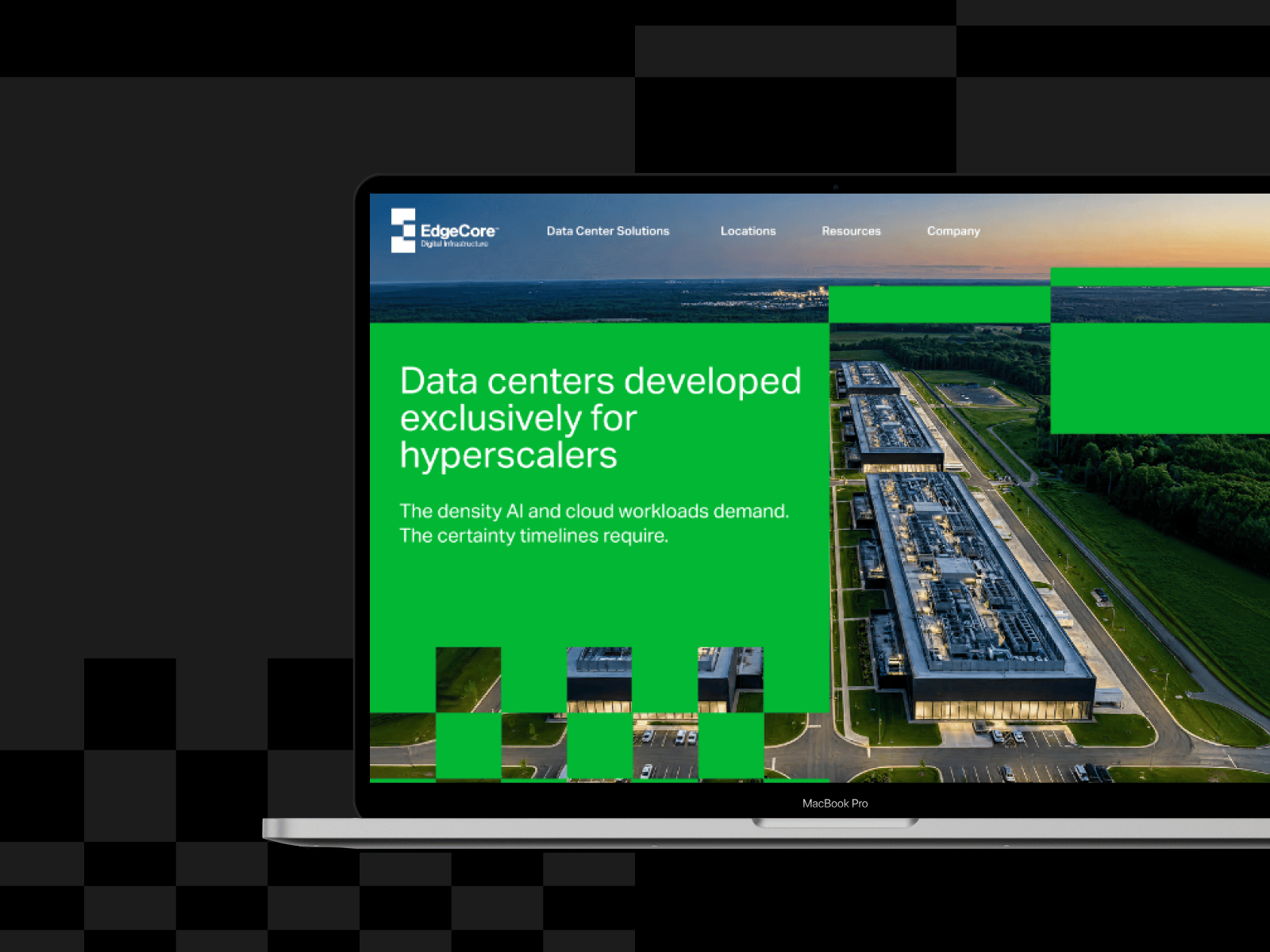
When we moved Unravel Data to Webflow, the migration took six weeks. We followed the same process for EdgeCore. Both started the same way: a full crawl of the old site, a URL-by-URL redirect map, and a CMS structure built around how each marketing team actually publishes. The design comes after that, because a beautiful site that loses half its search traffic is a step backward.
Questions to ask any migration partner
- How do you inventory every existing URL, and how do you build the redirect map?
- How will our WordPress content and custom fields map into Webflow CMS collections?
- Which integrations will you reconnect, and how do you test them before launch?
- Who on your team is available during cutover, and in what time zone?
- What do you monitor in the 30 days after launch, and what happens if rankings drop?
- Can our team edit pages without you once the site is live?
A partner who answers the first question with specifics, such as a crawl, a spreadsheet and a redirect plan, usually gets the rest right too.
The cost of getting it wrong
A cheap migration that drops a third of your organic traffic is the most expensive project you'll run this year. Rebuilding lost rankings takes months, and while that happens, the pipeline that used to come from search shows up in a board deck as a miss. Paying for a partner who handles redirects, CMS mapping and post-launch monitoring properly is the cheaper option once you count what's at stake.
If you're planning a move off WordPress, our Webflow migration services page walks through how we handle it, or you can start a project with us directly.

